$35.11: Course Data Backup and Recovery for Beginners - Bundle (One Off)
$9.35: Video Course Data Backup and Recovery for Beginners - Lesson 6 (One Off)
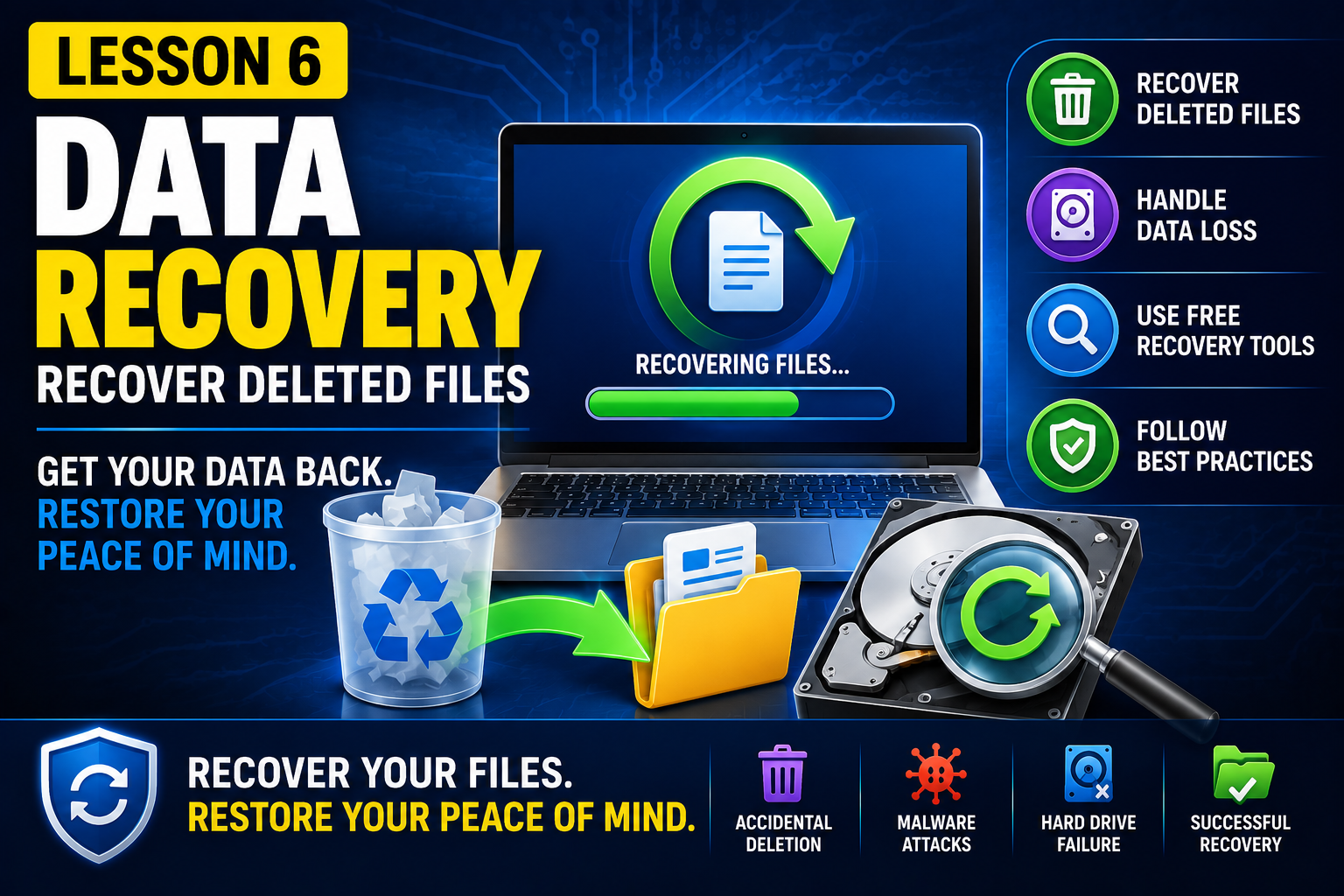
Lesson 6 – Data Recovery Basics
Even with a good backup strategy, files can still be accidentally deleted, corrupted, or lost due to hardware failure or malware. In this lesson, you'll discover the fundamentals of data recovery and learn what you should—and shouldn't—do when data goes missing.
You'll understand how deleted files can often be recovered, why acting quickly is essential, and what factors determine whether a recovery attempt is successful. We'll also introduce free recovery software and demonstrate how to recover deleted files safely without causing further data loss.
By the end of this lesson, you'll know how to respond to common data loss situations with confidence and increase your chances of recovering valuable files.
What you'll learn:
What happens when a file is deleted
Common causes of data loss
Factors that affect successful file recovery
Best practices before attempting data recovery
How to use free data recovery software
Practical demonstration:
Delete files from a Windows computer
Empty the Recycle Bin
Recover the deleted files using free recovery software
Verify that the recovered files open correctly
Discuss situations where recovery is no longer possible
These are the video that will be available for this course when you subscribe.
| 1 | Video Course Data Backup and Recovery for Beginners - Lesson 6 | 16th July 2026 |
These are the assets (documents/images) that will be available for this course when you subscribe.