$35.11: Course Data Backup and Recovery for Beginners - Bundle (One Off)
$9.35: Video Course Data Backup and Recovery for Beginners - Lesson 7 (One Off)
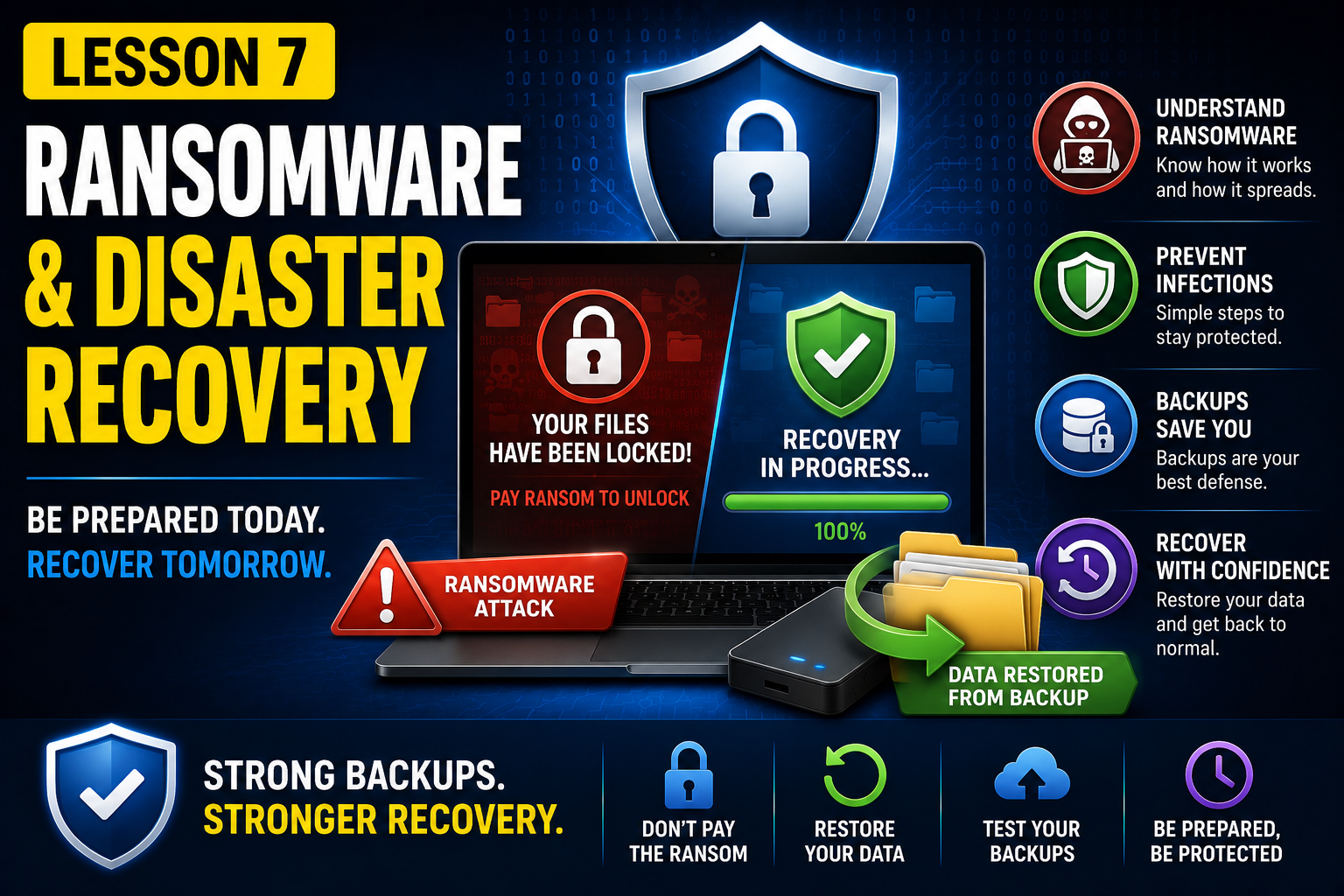
Lesson 7 – Ransomware & Disaster Recovery
Ransomware has become one of the biggest threats to personal and business data. A single click on a malicious email attachment or infected website can encrypt your files within minutes, making them inaccessible until a ransom is paid. In this lesson, you'll learn how ransomware works, how infections typically occur, and—most importantly—how a good backup strategy can help you recover without paying cybercriminals.
We'll explore common infection methods, discuss best practices for protecting your data, and walk through a practical disaster recovery scenario. You'll see how to restore files from a backup after a simulated ransomware attack, demonstrating why backups are the most effective defense against data loss.
By the end of this lesson, you'll understand how to reduce the risk of ransomware infections and how to recover quickly if the worst happens.
What you'll learn:
What ransomware is and how it works
The most common ways ransomware infects computers
How to reduce the risk of infection
Why backups are the best protection against ransomware
The steps to recover data after a ransomware attack
Best practices for securing your backup strategy
Practical demonstration:
Simulate a ransomware attack by making files inaccessible
Restore the affected files from a backup
These are the video that will be available for this course when you subscribe.
| 1 | Video Course Backup and Recovery for Beginners - Lesson 7 | 17th July 2026 |
These are the assets (documents/images) that will be available for this course when you subscribe.