$35.11: Course Data Backup and Recovery for Beginners - Bundle (One Off)
$9.35: Video Course Data Backup and Recovery for Beginners - Lesson 8 (One Off)
Lesson 8 – Testing & Restoring Backups
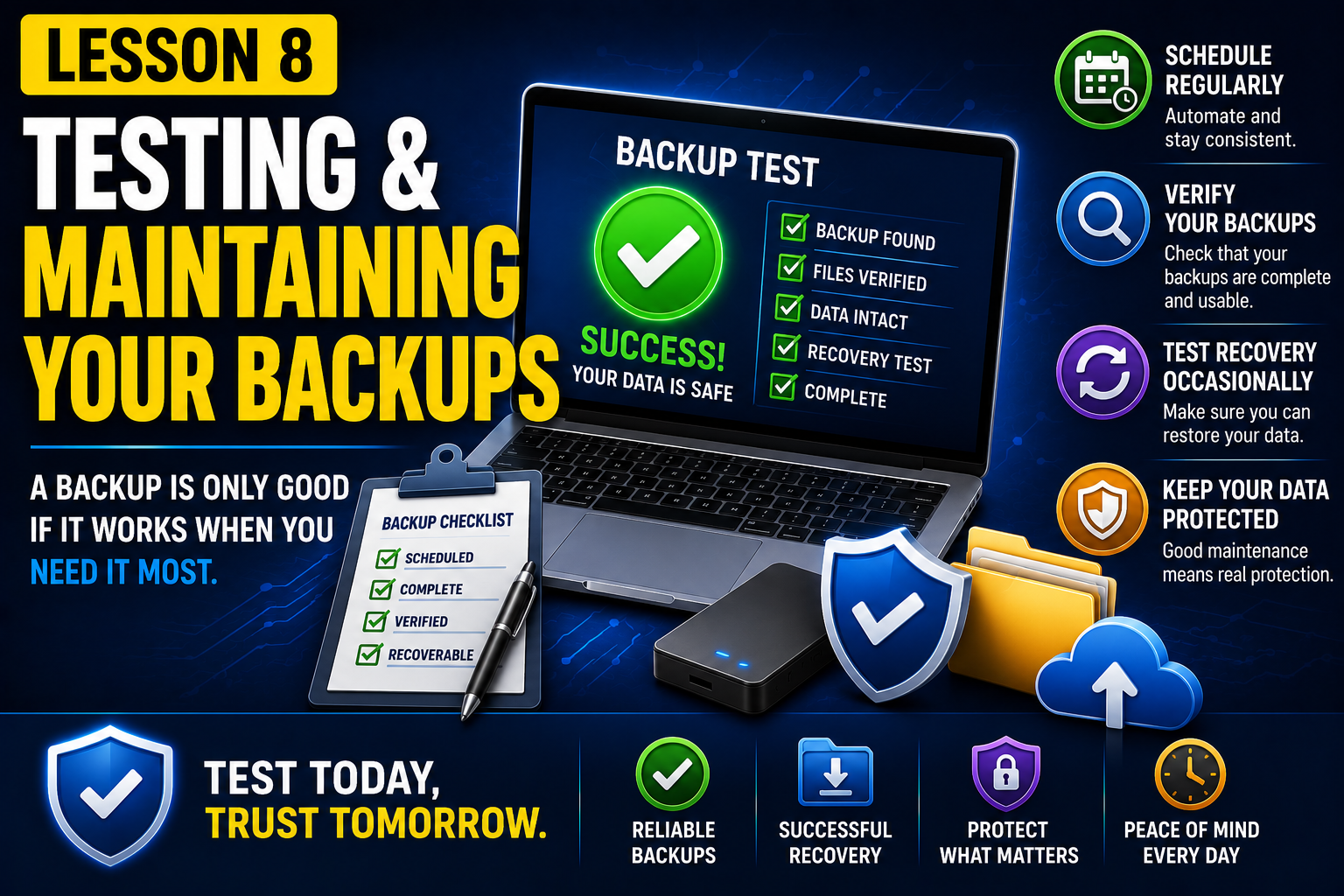
Creating a backup is only the first step—knowing that it actually works is what truly protects your data. In this final lesson, you'll learn why every backup should be tested regularly and how to restore your files with confidence when data loss occurs.
We'll examine the most common reasons backups fail, how to verify that your backups are complete and usable, and the differences between restoring a single file and performing a full system recovery. Through practical demonstrations, you'll see how to test a backup safely and perform both file-level and full restore operations.
This lesson brings together everything you've learned throughout the course, ensuring you're prepared not only to create backups but also to recover successfully when disaster strikes.
By the end of this lesson, you'll have the confidence to verify your backup strategy and restore your important data whenever it's needed.
What you'll learn:
Why backups can fail even when they appear successful
How to verify that your backups are complete and recoverable
The difference between file restore and full system restore
When to use each type of recovery
Best practices for regularly testing your backups
How to avoid common restore mistakes
Practical demonstrations:
Verify the integrity of an existing backup
Restore a single deleted file from a backup
Simulate a full data restore to a safe location
Confirm that restored files are complete and accessible
Perform a simple backup recovery test to validate your backup strategy
These are the video that will be available for this course when you subscribe.
| 1 | Video Course Data Backup and Recovery for Beginners - Lesson 8 | 17th July 2026 |
These are the assets (documents/images) that will be available for this course when you subscribe.