-LgH7w95K7R.png)
If you're an aspiring creator who want to start selling online with no upfront cost, LearnersHQ is perfect for you!
-A8V9QUjnQI.jpg)
You’ve mastered the theory. You understand the psychology. Now, you’re ready for the ultimate expression of your brand.
The Empire Build is a high-proximity, 1-on-1 partnership designed for those who refuse to settle for 'standard.' In this exclusive experience, I act as your personal Meta Architect, taking you from a fragmented presence to a unified, immersive 3D digital ecosystem.
We aren't just building a store; we are architecting a legacy that justifies your highest price points before you even speak a word.
The Empire Build Experience Includes:
Positioning Audit: A deep-dive strategy session to identify your unique 'Must-Have' factor in the market.
Bespoke 3D Environment: A custom-built, signature-level store on the Learners platform that outshines the competition.
Behavioral Flow Mapping: Every interaction is strategically designed to move clients from interest to investment with zero friction.
Launch-Phase Consulting: Direct access to me as we deploy your new digital environment to ensure maximum perceived value.
Stop competing. Start Leading. This is for the creator ready to build an empire that reflects their true authority.

This is a test


You’ve fixed the obvious leaks with the audit. Now, it's time to build the engine.
The Conversion Masterclass isn’t just a course on design; it’s a deep dive into Digital Architecture. I’m pulling back the curtain on the exact spatial and psychological frameworks I use to turn basic links into high-ticket environments.
If your store feels like a list of products, you’re playing a losing game. This masterclass teaches you how to build a destination that establishes your authority and justifies your premium pricing before they even see the 'Buy' button.
Inside the Masterclass, you’ll learn:
The Power of Framing: How to use 'Level 2' design elements to command instant trust.
Value Anchoring: The visual science of making price a non-issue for your ideal client.
The 3D Advantage: How to leverage immersive layouts to increase time-on-page and engagement by 3x.
Frictionless Flow: A step-by-step guide to removing the 'buying anxiety' that kills sales.
Stop building pages. Start architecting an experience. It’s time to give your brand the structure it deserves.
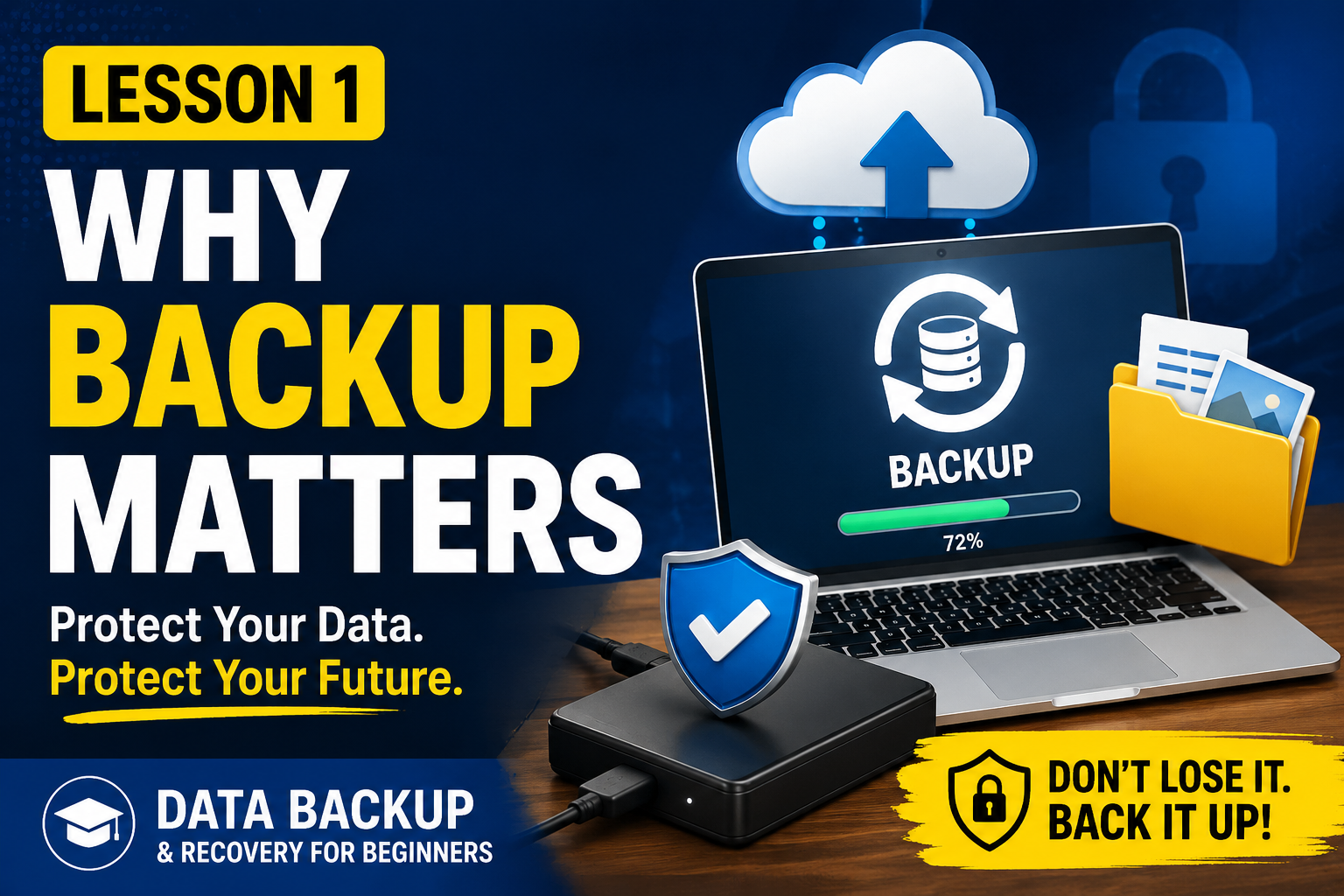
Lesson 1 – Why Backup Matters
Every day, people lose valuable data due to accidental deletion, hardware failures, ransomware attacks, or simple human mistakes. In this introductory lesson, you'll learn why having a reliable backup strategy is one of the most important steps in protecting your digital life.
We'll explore the fundamentals of data backup, understand the most common causes of data loss, and clarify the differences between backup, file synchronization, and cloud storage.
By the end of this lesson, you will understand why backups are essential and be prepared to build a solid foundation for the rest of the course.
What you'll learn:
Why data backup is essential
The most common causes of data loss
Why every computer user should have a backup plan
Language: English
Bonus: Data Backup Quick Reference Guide in PDF
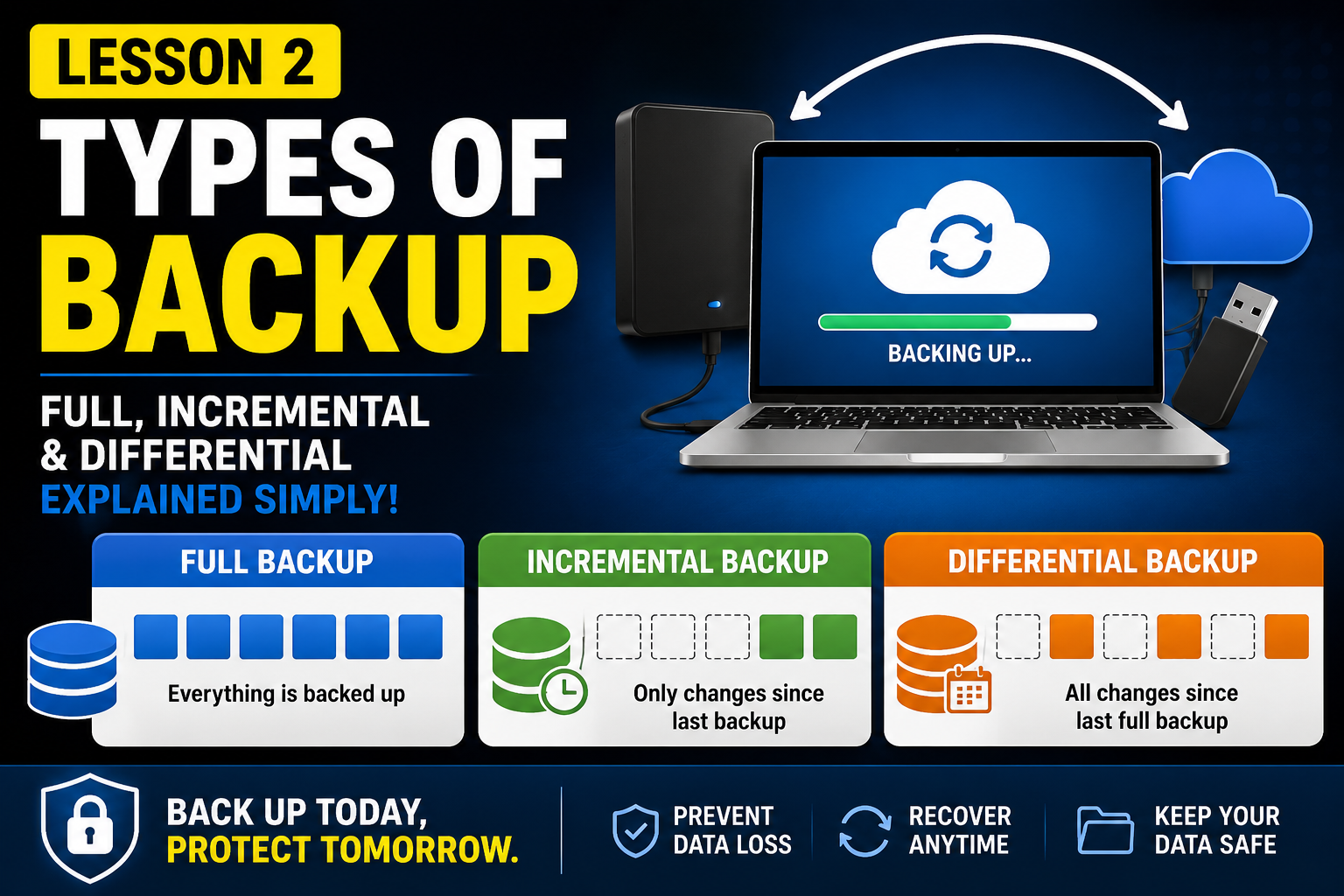
Lesson 2 – Types of Backup
Not all backups work the same way. Choosing the right backup method can save storage space, reduce backup time, and make data recovery much more efficient.
In this lesson, you'll learn the three most common backup types: Full, Incremental, and Differential backups. We'll explain how each method works, compare their advantages and disadvantages, and discuss when each one is the best choice for home users and small businesses.
By the end of this lesson, you'll be able to choose the most suitable backup strategy based on your own needs.
What you'll learn:
What a Full Backup is and when to use it
How Incremental Backups work
How Differential Backups work
The advantages and disadvantages of each backup type
How to select the right backup strategy
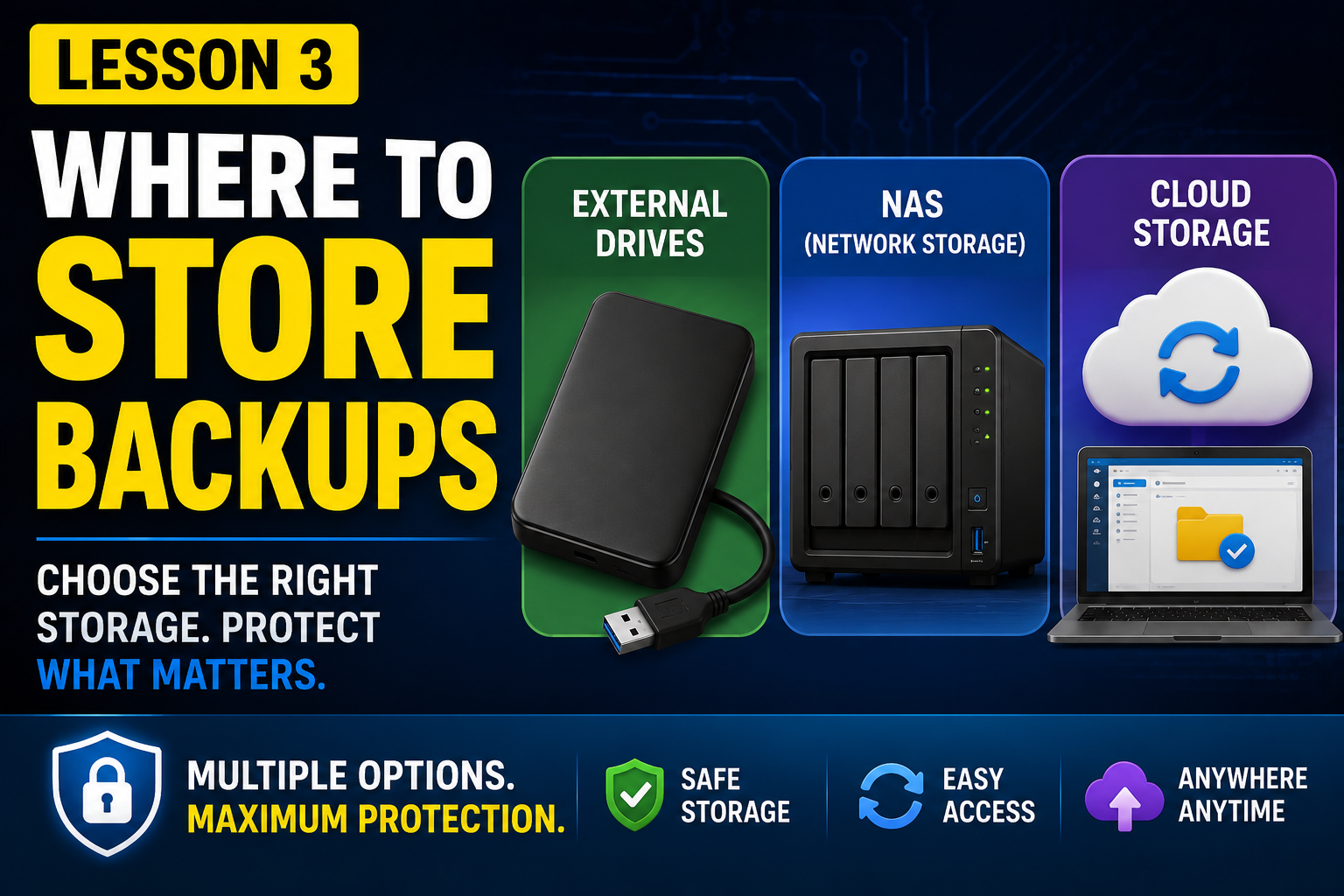
Lesson 3 – Where to Store Your Backups
Choosing the right storage location is just as important as creating the backup itself. In this lesson, you'll explore the most common backup storage options and learn how to select the one that best fits your needs, budget, and level of protection.
We'll compare external hard drives, USB flash drives, Network Attached Storage (NAS), and cloud storage services, highlighting the advantages and disadvantages of each solution. You'll also discover why relying on a single storage location is risky and how combining multiple storage options can greatly improve the safety of your data.
By the end of this lesson, you'll be able to choose the most suitable storage solution for your personal or small business backup strategy.
What you'll learn:
The different types of backup storage
The advantages and disadvantages of external drives, NAS, and cloud storage
How to choose the right storage option for your needs
Why using multiple storage locations provides better protection
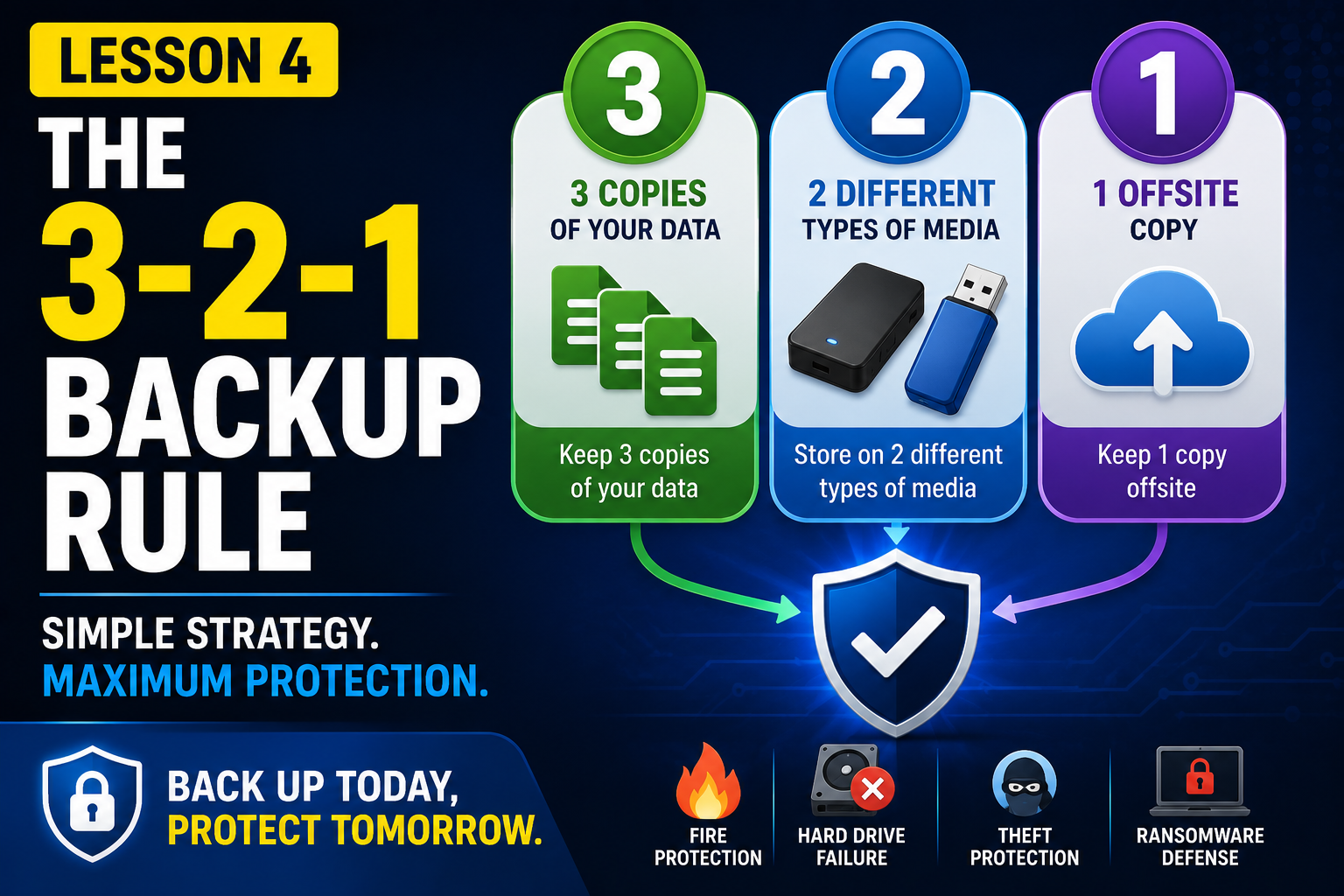
Lesson 4 – The 3-2-1 Backup Rule
Creating backups is important, but creating them the right way is what truly protects your data. In this lesson, you'll learn the widely recommended 3-2-1 Backup Rule, a simple yet highly effective strategy used by IT professionals to minimize the risk of data loss.
You'll discover what the numbers 3, 2, and 1 represent, why this approach is considered a best practice, and how it protects your files from hardware failures, accidental deletion, theft, and ransomware attacks.
We'll also look at practical examples for both home users and small businesses, showing how to build an affordable backup strategy using external drives, cloud storage, and off-site copies.
By the end of this lesson, you'll understand how to design a reliable backup plan that significantly improves the security and availability of your important data.
What you'll learn:
What the 3-2-1 Backup Rule is
Why IT professionals recommend this strategy
How to apply the 3-2-1 rule at home or in a small business
How different storage locations work together to reduce the risk of data loss
Common mistakes to avoid when planning backups
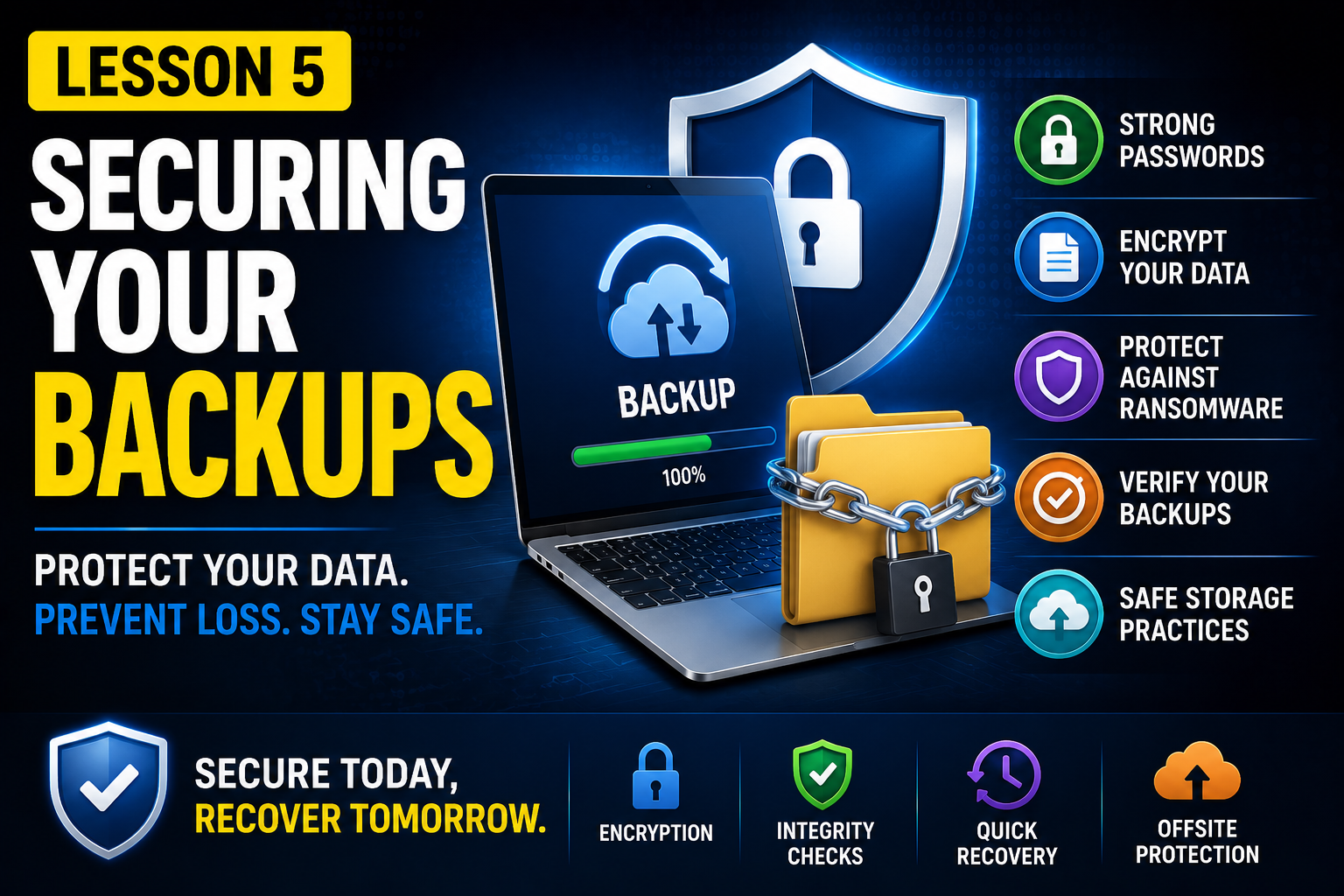
Lesson 5 – Hands-On Backup Setup
Now it's time to put theory into practice. In this lesson, you'll learn how to create your first reliable backup using free backup software for Windows. Step by step, we'll configure a backup job, choose what data to protect, select a backup destination, and see how to schedule automatic backups to ensure your files are always protected.
You'll see how easy it is to create both file and system backups, and you'll understand the key settings that make your backup strategy reliable and efficient. Whether you're protecting personal documents, family photos, or important business files, this lesson will give you the confidence to set up a backup system that works automatically.
By the end of this lesson, you'll have a fully configured backup solution and the knowledge to keep your data protected with minimal effort.
What you'll learn:
How to configure free backup software
How to create a file backup
The difference between file backups and system backups
How to choose the right backup destination
How to schedule automatic backups
Best practices for maintaining reliable backups
Practical demonstration:
Configure and use backup software
Create a file backup to an external drive
Run the first backup and verify that it completes successfully
Explore the backup files created by the software
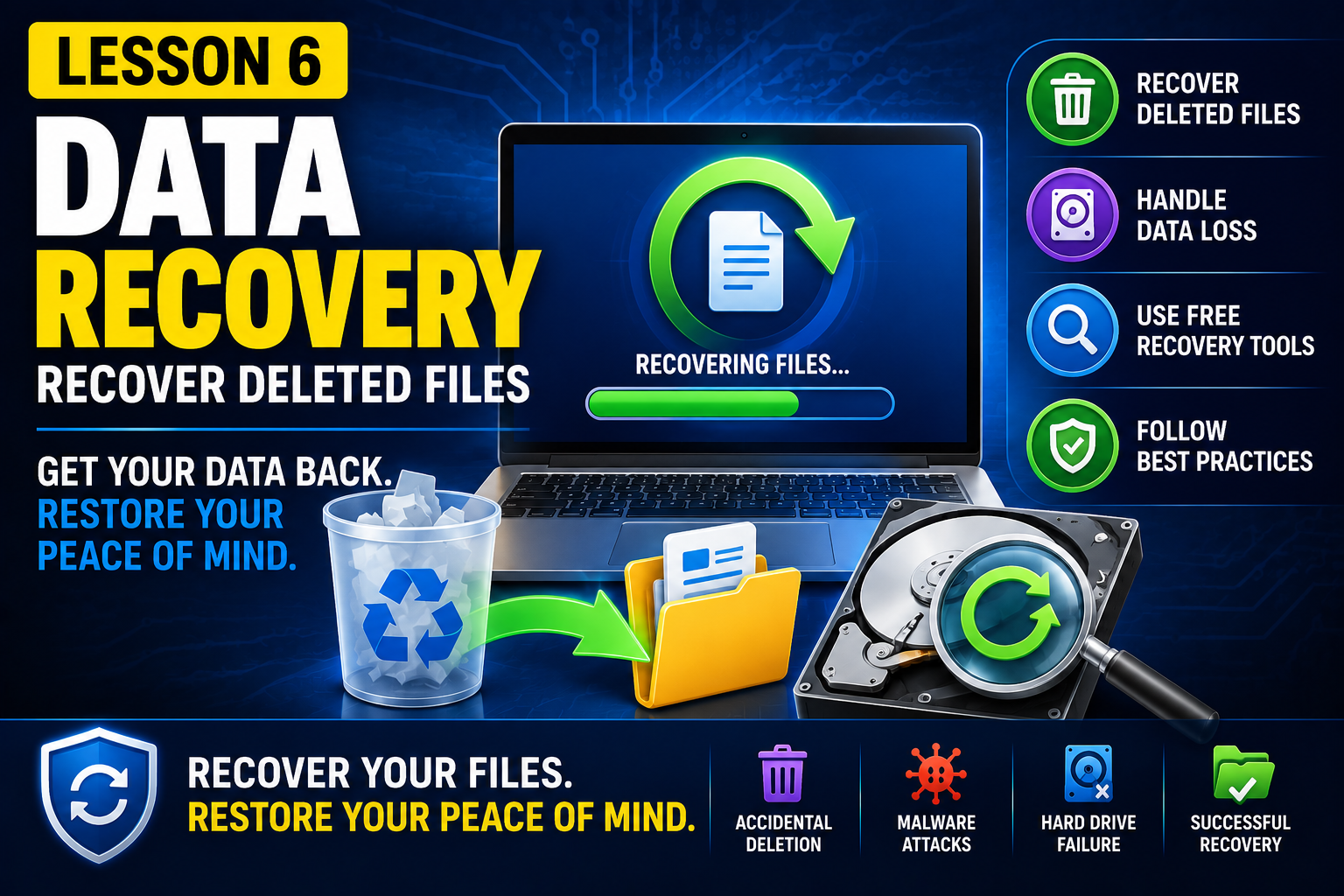
Lesson 6 – Data Recovery Basics
Even with a good backup strategy, files can still be accidentally deleted, corrupted, or lost due to hardware failure or malware. In this lesson, you'll discover the fundamentals of data recovery and learn what you should—and shouldn't—do when data goes missing.
You'll understand how deleted files can often be recovered, why acting quickly is essential, and what factors determine whether a recovery attempt is successful. We'll also introduce free recovery software and demonstrate how to recover deleted files safely without causing further data loss.
By the end of this lesson, you'll know how to respond to common data loss situations with confidence and increase your chances of recovering valuable files.
What you'll learn:
What happens when a file is deleted
Common causes of data loss
Factors that affect successful file recovery
Best practices before attempting data recovery
How to use free data recovery software
Practical demonstration:
Delete files from a Windows computer
Empty the Recycle Bin
Recover the deleted files using free recovery software
Verify that the recovered files open correctly
Discuss situations where recovery is no longer possible
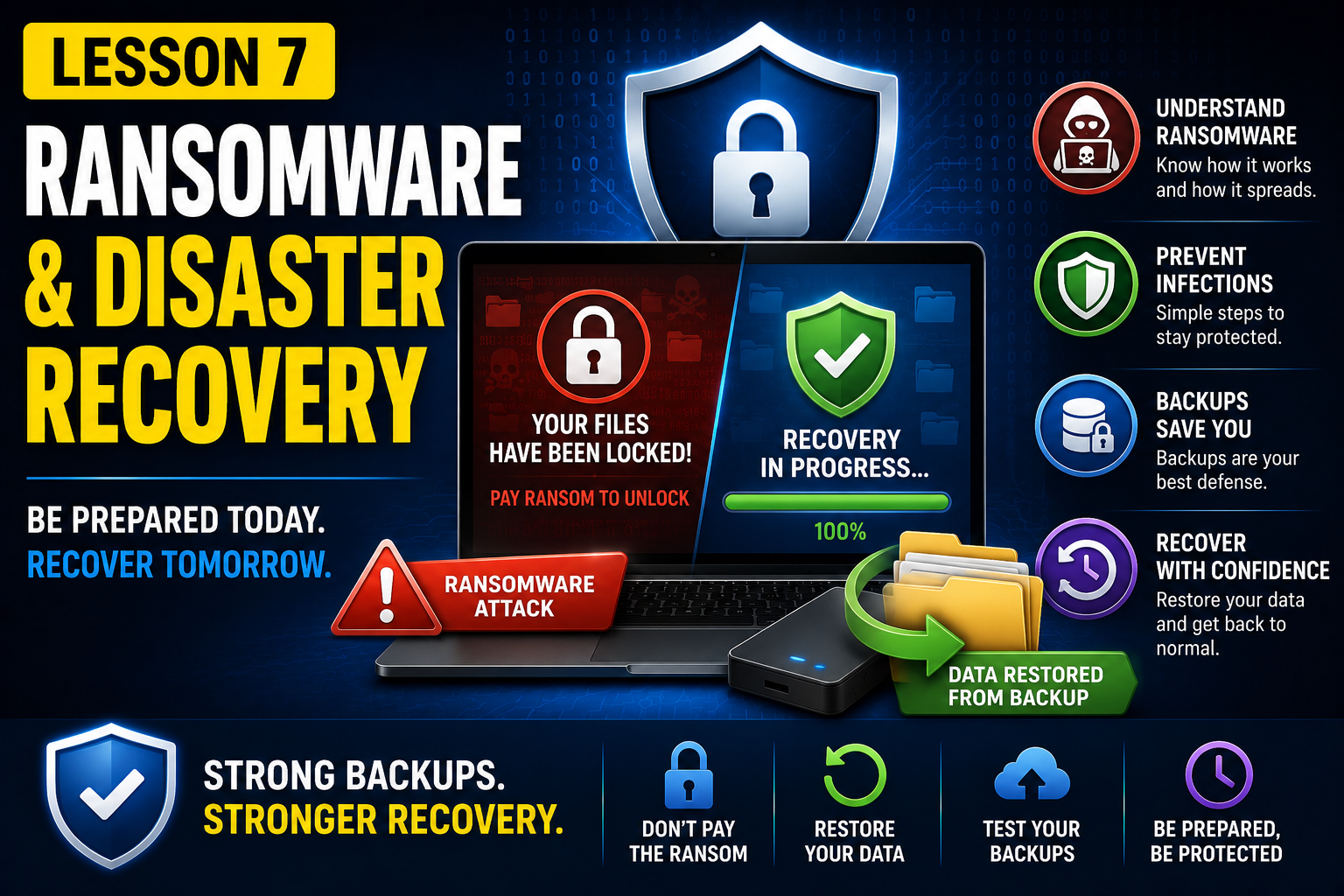
Lesson 7 – Ransomware & Disaster Recovery
Ransomware has become one of the biggest threats to personal and business data. A single click on a malicious email attachment or infected website can encrypt your files within minutes, making them inaccessible until a ransom is paid. In this lesson, you'll learn how ransomware works, how infections typically occur, and—most importantly—how a good backup strategy can help you recover without paying cybercriminals.
We'll explore common infection methods, discuss best practices for protecting your data, and walk through a practical disaster recovery scenario. You'll see how to restore files from a backup after a simulated ransomware attack, demonstrating why backups are the most effective defense against data loss.
By the end of this lesson, you'll understand how to reduce the risk of ransomware infections and how to recover quickly if the worst happens.
What you'll learn:
What ransomware is and how it works
The most common ways ransomware infects computers
How to reduce the risk of infection
Why backups are the best protection against ransomware
The steps to recover data after a ransomware attack
Best practices for securing your backup strategy
Practical demonstration:
Simulate a ransomware attack by making files inaccessible
Restore the affected files from a backup
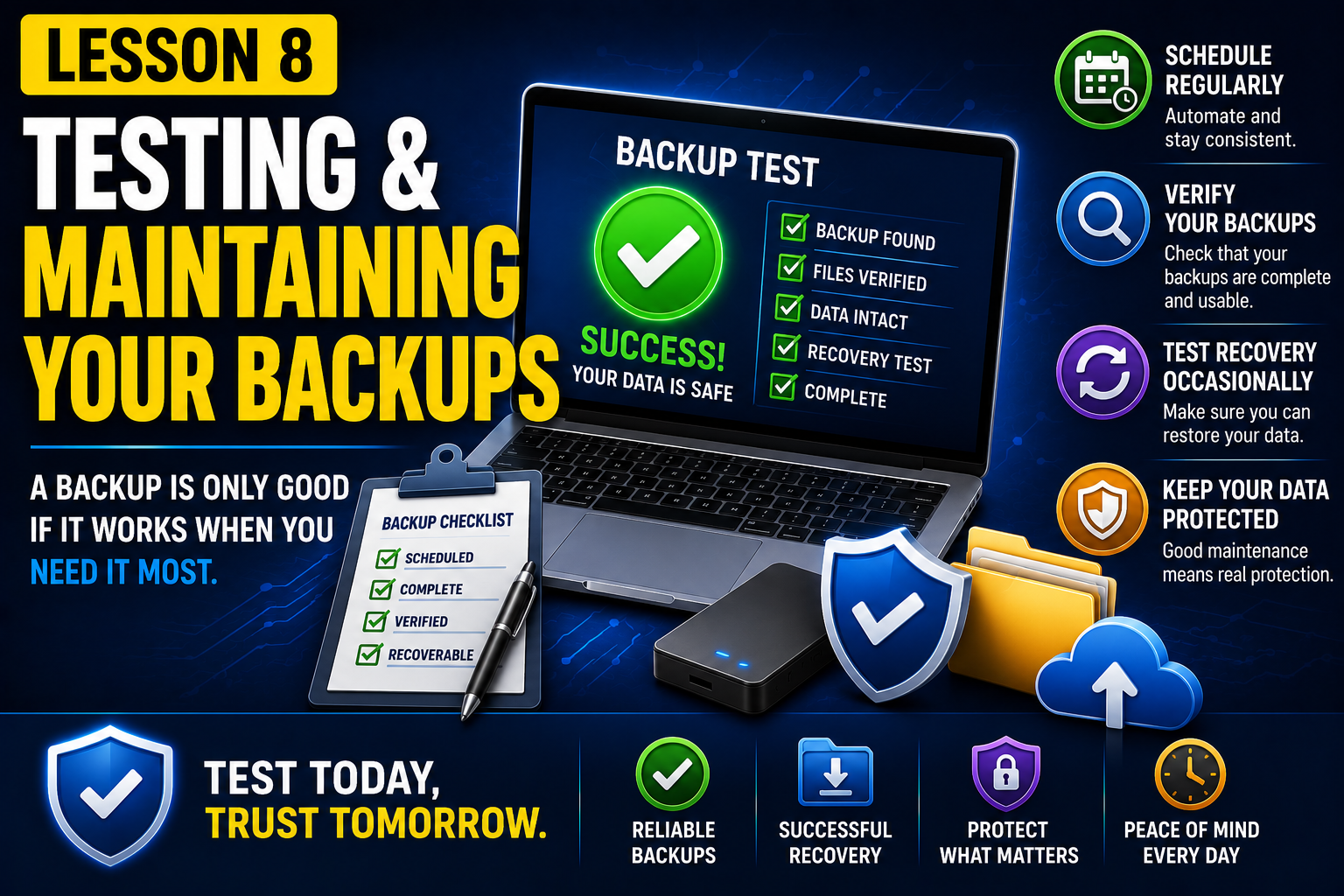
Lesson 8 – Testing & Restoring Backups
Creating a backup is only the first step—knowing that it actually works is what truly protects your data. In this final lesson, you'll learn why every backup should be tested regularly and how to restore your files with confidence when data loss occurs.
We'll examine the most common reasons backups fail, how to verify that your backups are complete and usable, and the differences between restoring a single file and performing a full system recovery. Through practical demonstrations, you'll see how to test a backup safely and perform both file-level and full restore operations.
This lesson brings together everything you've learned throughout the course, ensuring you're prepared not only to create backups but also to recover successfully when disaster strikes.
By the end of this lesson, you'll have the confidence to verify your backup strategy and restore your important data whenever it's needed.
What you'll learn:
Why backups can fail even when they appear successful
How to verify that your backups are complete and recoverable
The difference between file restore and full system restore
When to use each type of recovery
Best practices for regularly testing your backups
How to avoid common restore mistakes
Practical demonstrations:
Verify the integrity of an existing backup
Restore a single deleted file from a backup
Simulate a full data restore to a safe location
Confirm that restored files are complete and accessible
Perform a simple backup recovery test to validate your backup strategy

This lesson introduces the fundamental concept of computer networks and explains why they are essential in everyday life and business. You will learn what a network is, how it enables communication between devices, and why it plays a critical role in modern technology. The lesson also provides a clear overview of common network types, including LAN, WAN, Wi-Fi, and the Internet, helping you understand how they differ and where they are used.
------------
This course provides a clear and practical introduction to computer networking, designed for absolute beginners with no prior technical background. It explains how modern networks work, from basic concepts to real-world applications, using simple language and structured lessons.
You will learn how devices communicate over networks, understand key components such as routers, switches, and IP addressing, and explore how the internet actually works behind the scenes. The course also introduces essential protocols, network types, and basic troubleshooting techniques.
The content is divided into focused lessons, combining theory with practical examples to help you build a solid foundation. By the end of the course, you will be able to understand common networking terminology, set up simple networks, and confidently approach more advanced IT topics.
What you will learn:
Fundamentals of computer networks
How data travels across networks and the internet
IP addressing and basic network configuration
Key networking devices and their roles
Basic troubleshooting skills
Who this course is for:
Beginners interested in IT or networking
Students preparing for technical careers
Entrepreneurs and professionals wanting to understand network basics
Anyone looking to build a foundation for further IT learning
Course format:
Short, easy-to-follow video lessons
Practical explanations with real-world examples
Beginner-friendly structure with progressive learning
Language: English
No prior experience is required—just curiosity and a willingness to learn.
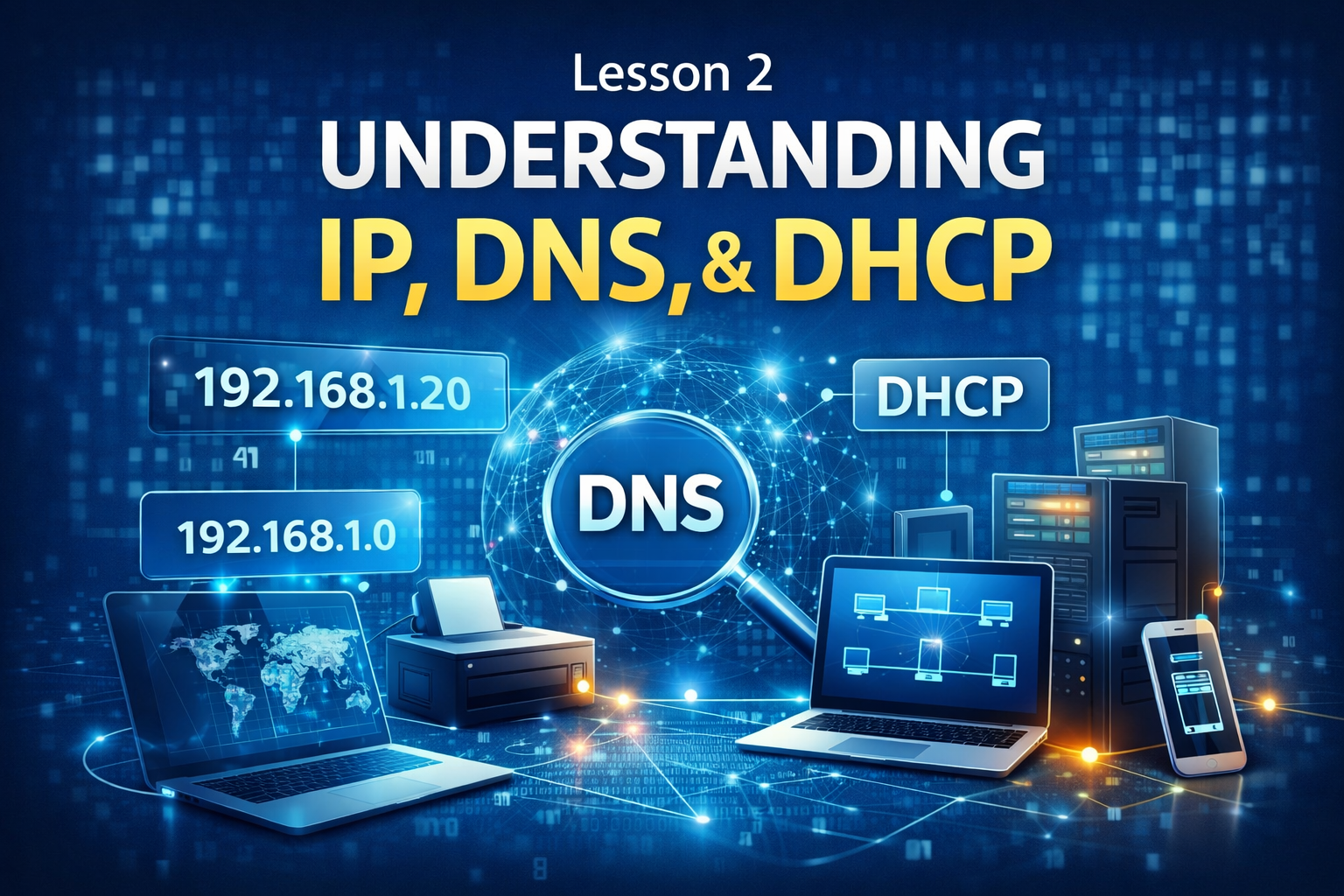
In this lesson, you will explore how devices identify and communicate with each other on a network. Key concepts such as IP addresses and subnets are explained in a simple, practical way. You will also learn how DNS translates domain names into IP addresses and how DHCP automatically assigns network settings, allowing devices to connect and “talk” without manual configuration.
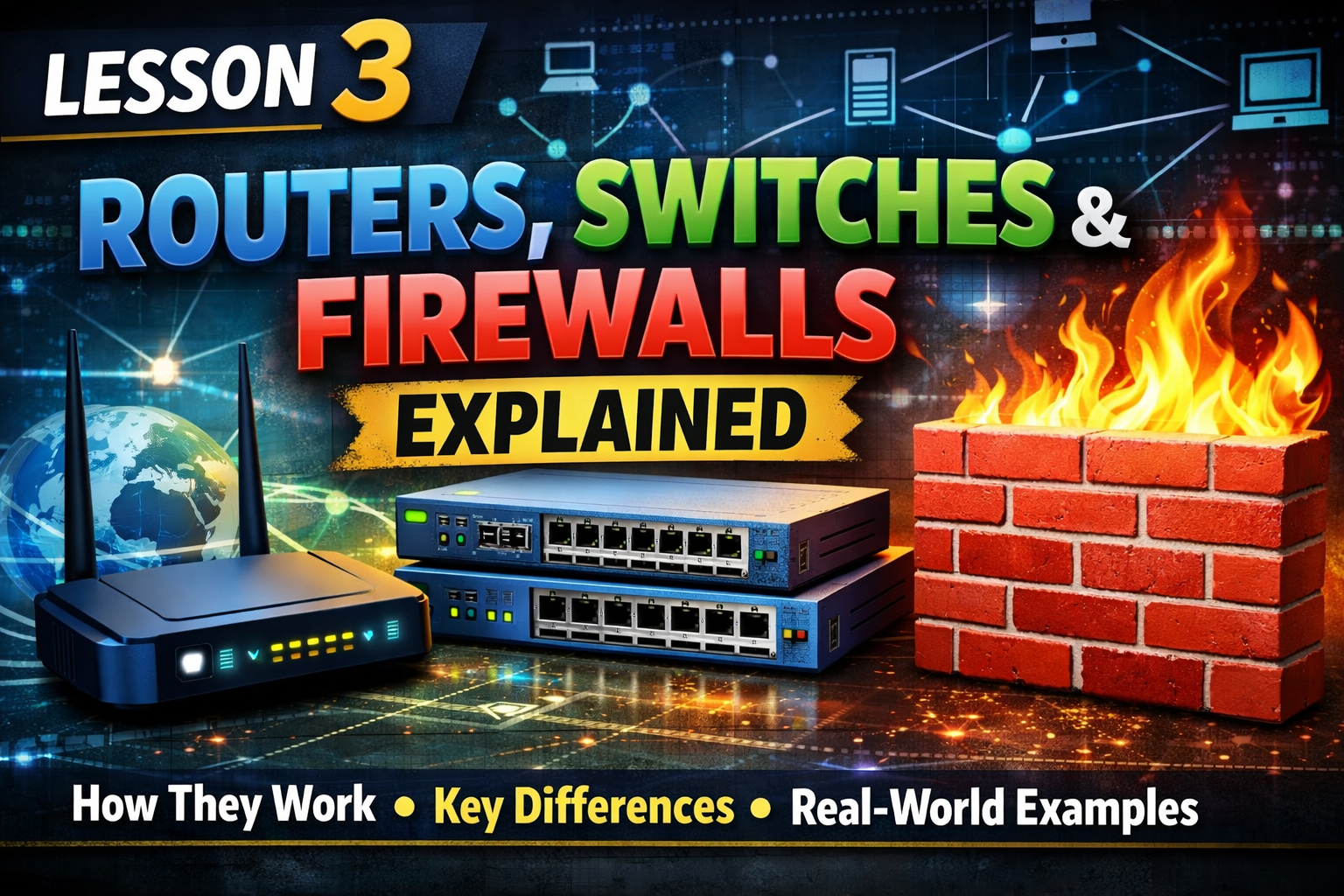
This lesson breaks down the roles of essential networking devices. You will understand what routers, switches, and firewalls do, how they work together, and the key differences between them. Real-world examples are used to make these concepts easy to grasp, giving you a solid understanding of the core components found in most networks.

PRATICAL LESSON
This practical lesson guides you through setting up a basic network using common equipment. You will learn how to connect a router, configure a Wi-Fi network, and connect devices such as a PC or printer.
Required equipment:
- 1 router
- 1 network cable
- 1 PC or laptop
- 1 printer with Wi-Fi capability or network port
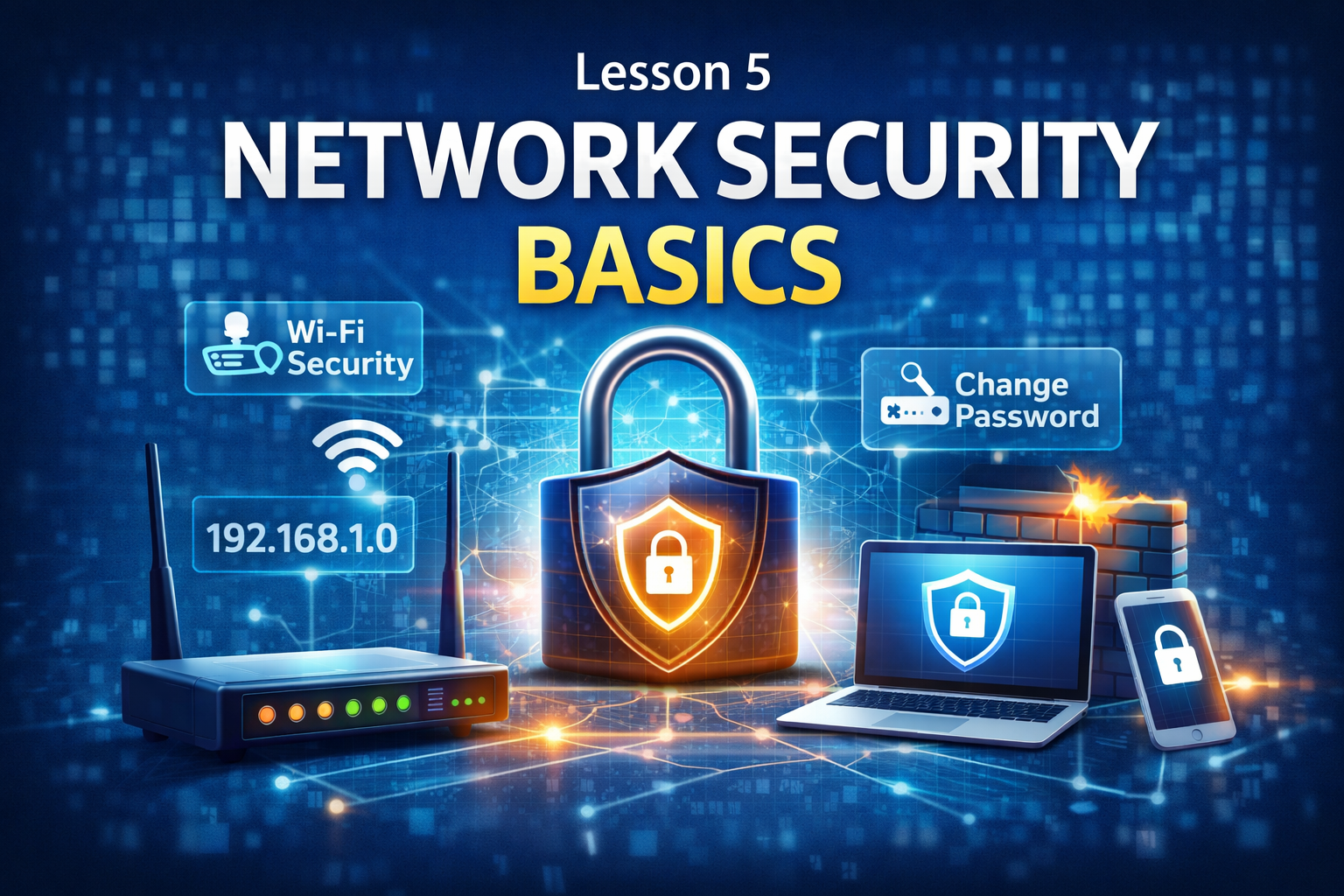
This lesson focuses on protecting your network from common threats. You will learn how to secure your Wi-Fi, change default credentials, and understand the importance of basic security practices. The lesson also introduces the use of built-in tools such as the Windows Firewall to help safeguard your devices and data.
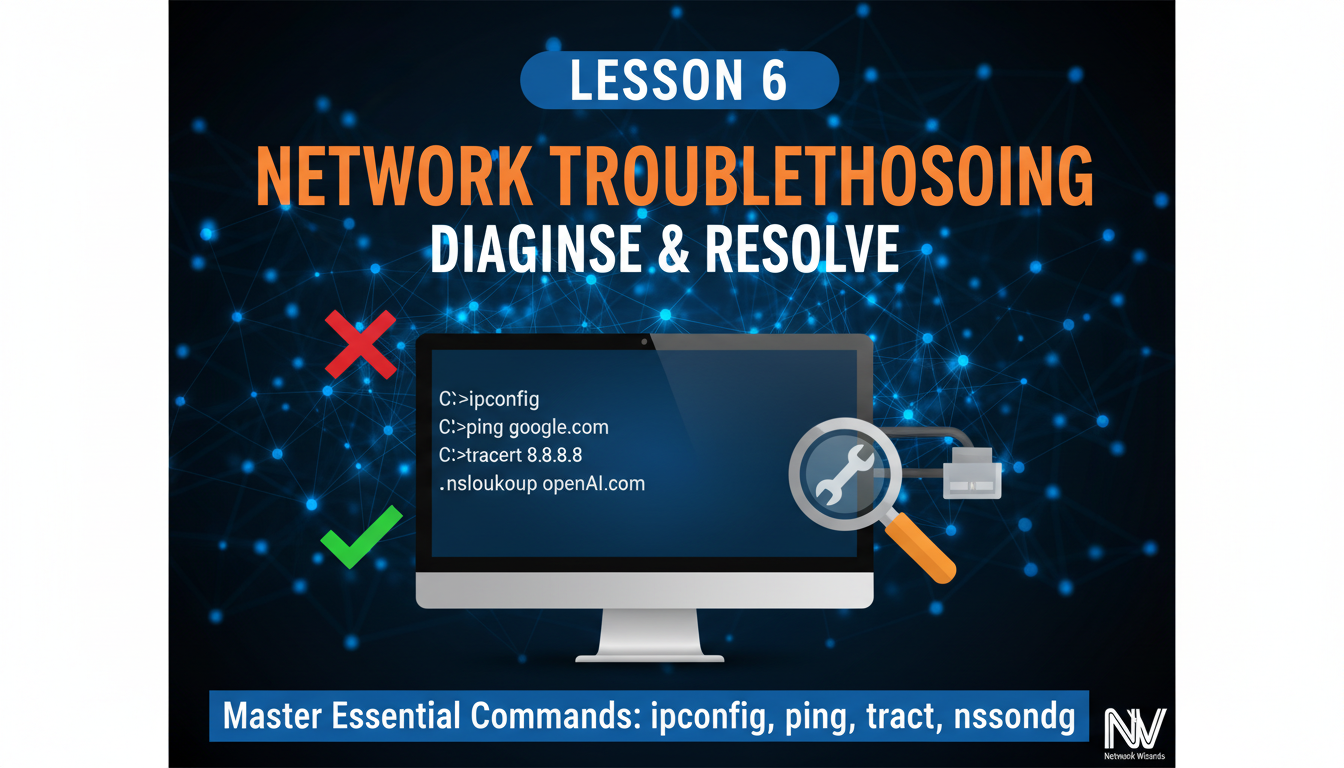
PRATICAL LESSON
In the final lesson, you will learn how to diagnose and resolve common network issues using essential tools. Commands such as ipconfig, ping, tracert, and nslookup are explained with practical examples. By the end of this lesson, you will be able to identify connectivity problems and take the first steps toward resolving them effectively.

Radici Lunari
Un viaggio continuo tra Luna, stagioni, erbe e femminile selvatico.
Otto porte rituali per riconnetterti alla tua natura ciclica attraverso la Ruota dell’Anno, la medicina della Terra e la saggezza del corpo.
Cosa ricevi ogni mese (due livelli di abbonamento)
Radici Essenziali – €5,50/mese
Riceverai ogni mese:
1 audio di Yoga Nidra ciclico
1 rituale video ispirato al sabbat e alla luna
1 scheda PDF con contenuti scritti: pianta del mese, oli essenziali, meditazione, pratica
Radici Essenziali – €5,50/mese
Riceverai ogni mese:
1 audio di Yoga Nidra ciclico
1 rituale video ispirato al sabbat e alla luna
1 scheda PDF con contenuti scritti: pianta del mese, oli essenziali, meditazione, pratica
Radici Profonde – €11.11/mese
Include tutto ciò che è in Radici Essenziali, più:
1 incontro Zoom mensile (1h) dove esploreremo il sabbat, temi del femminile e condivideremo nel cerchio
Spazio rituale, condivisione e connessione con altre donne
Accesso alla community sacra (gruppo chiuso o piattaforma dedicata)
È un cerchio continuo, un abbonamento mensile per chi desidera vivere in armonia con la propria natura selvaggia e lunare.
Insieme attraverseremo le 8 porte della Ruota celtica, sincronizzandole con il tuo ciclo, la luna e le energie del mese.
Un cammino continuo, vivo, ispirato anche da:
Ciclicità mestruale e archetipi del ciclo
Erboristeria sacra e medicina delle piante
Oli essenziali per il ciclo e il grembo
Fasi lunari e rituali con la luna
Ruota dell’Anno Celtica (8 Sabbat)
Sessualità sacra e Tantra femminile
Yoga al femminile e yoga ormonale
Medicina cinese applicata al ciclo
Meditazioni, pratiche di radicamento e rituali stagionali
Ogni tappa ti guiderà più vicina a te stessa.